
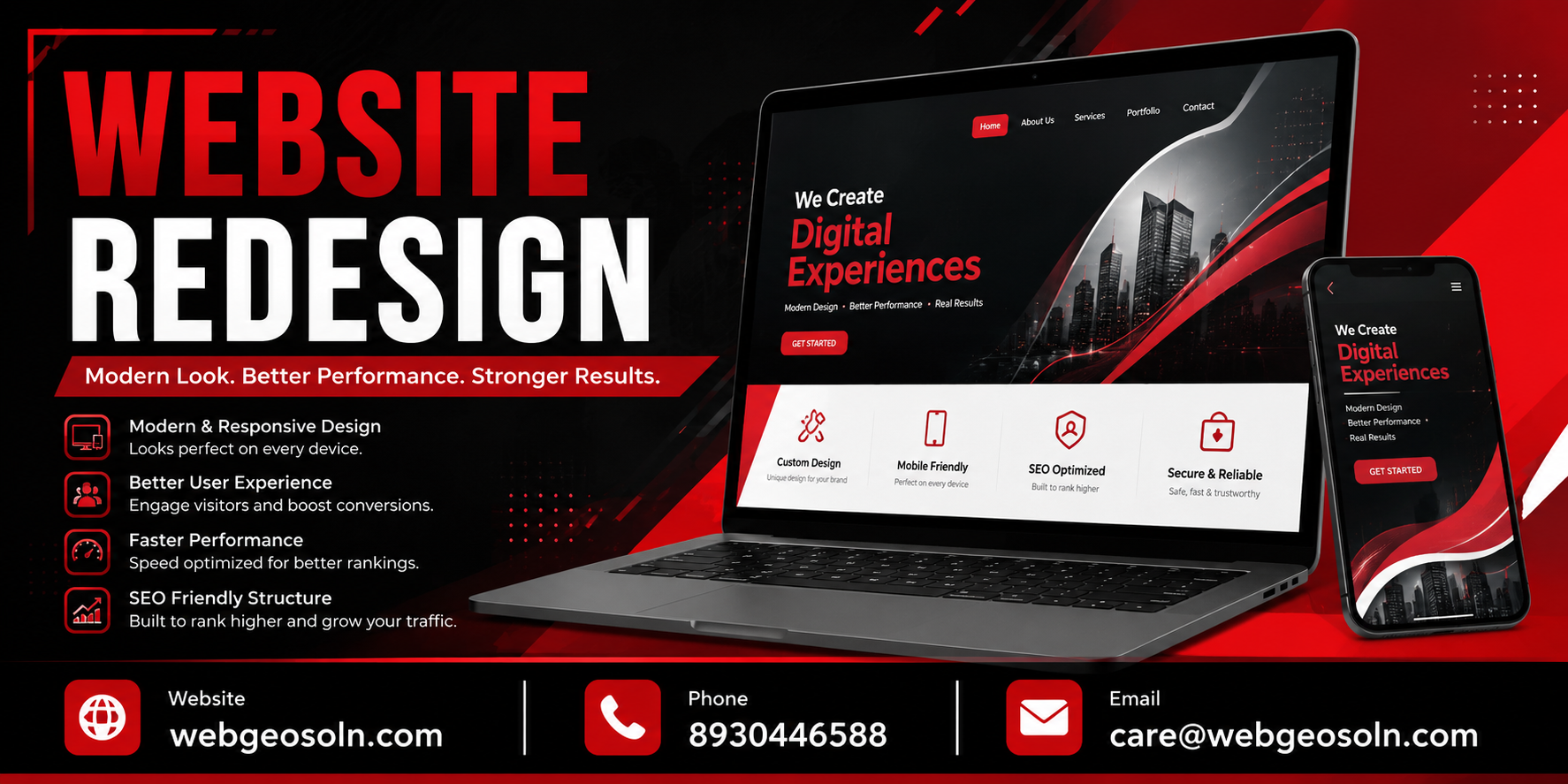
Gurgaon (Gurugram) is one of India's fastest-growing business hubs — from startups in Cyber City to established manufacturing and retail brands in Udyog Vihar, Sohna Road and DLF. If your website still looks and performs like it did five years ago, you're losing customers to competitors who've already modernized theirs.
A website redesign isn't just about a new look. Done wrong, it can crash your search rankings overnight. Done right, it can double your leads. This checklist — built by the team at Webgeosolution, a Gurugram-based SEO and web development agency — walks you through every step so your redesign adds value instead of taking it away.
Why Gurgaon Businesses Need a Website Redesign
- Your site isn't mobile-friendly, and most of your Gurgaon traffic comes from phones
- Page load time is over 3 seconds, and visitors are bouncing
- Your design looks outdated compared to competitors in Sector 44, MG Road or Golf Course Road
- Your website isn't generating enquiries even though your Google rankings are decent
- You've rebranded, launched new services, or expanded to new locations across NCR
- Your CMS is old, insecure, or hard to update
If two or more of these sound familiar, it's time to redesign.
The Complete Website Redesign Checklist
1. Pre-Redesign Audit (Don't Skip This)
- Export your current site's full URL list (use Screaming Frog or Google Search Console)
- Note down top-performing pages by traffic and conversions in Google Analytics
- Record current keyword rankings for your priority terms
- Check current site speed (Google PageSpeed Insights / GTmetrix)
- List all inbound backlinks pointing to specific pages (Ahrefs / Search Console)
- Screenshot your current site structure and navigation
This audit protects your existing SEO equity — the traffic and rankings you've already earned.
2. Define Goals Before Touching Design
- What's the primary goal — more enquiries, online sales, brand credibility, or local visibility in Gurgaon?
- Who is your target audience — B2B clients, local customers, or both?
- What action should visitors take on every page (call, form fill, WhatsApp, visit store)?
3. SEO-Safe URL Mapping
- Create a 1-to-1 old-URL to new-URL mapping sheet
- Plan 301 redirects for every URL that will change or be removed
- Keep your best-performing URLs unchanged wherever possible
- Never redirect everything to the homepage — this is one of the most common redesign mistakes
4. Technical SEO Checklist
- Set up XML sitemap and submit to Google Search Console after launch
- Check robots.txt doesn't accidentally block the new site
- Ensure canonical tags are correctly set on every page
- Verify structured data (schema markup) for business, reviews, FAQs, and services
- Set up HTTPS/SSL properly with no mixed content warnings
- Test crawlability with a staging environment before going live
5. On-Page SEO
- Retain and improve title tags and meta descriptions for key pages
- Keep header tag hierarchy (H1, H2, H3) clean and keyword-relevant
- Optimize image alt text, especially for Gurgaon-specific location pages
- Update internal linking structure to support new site architecture
- Preserve or improve keyword-rich content on ranking pages — don't just replace it with generic copy
6. Mobile-First Design
- Test on actual devices, not just browser resize
- Ensure buttons, forms, and menus are easy to tap on mobile
- Compress images and use responsive formats (WebP)
- Confirm mobile page speed matches or beats desktop speed
7. Site Speed & Performance
- Target under 2.5 seconds load time (Core Web Vitals — LCP, FID/INP, CLS)
- Enable browser caching and a CDN
- Minify CSS, JS, and HTML
- Choose reliable hosting — many Gurgaon businesses see speed issues from cheap shared hosting
8. User Experience (UX) & Navigation
- Simplify menu structure — visitors should reach any page in 3 clicks or less
- Add clear calls-to-action (Call Now, Get Quote, WhatsApp Us) on every page
- Include trust signals — client logos, Google reviews, certifications, years in business
- Make contact details and location (Gurgaon office address) visible on every page
9. Local SEO Considerations for Gurgaon Businesses
- Add NAP (Name, Address, Phone) consistently across the site and footer
- Embed Google Map with your Gurgaon office/store location
- Create or update location-specific landing pages if you serve multiple areas across NCR
- Match your Google Business Profile details with your new website exactly
- Add local schema markup (LocalBusiness)
10. Content Migration & Updates
- Rewrite outdated content — old pricing, old services, old team info
- Update service pages to reflect current offerings
- Add fresh blog content and internal links to boost topical authority
- Avoid thin or duplicate content on new pages
11. Pre-Launch Testing
- Test all forms, CTAs, and payment gateways (if applicable)
- Check cross-browser compatibility (Chrome, Safari, Edge, Firefox)
- Run a broken-link check across the entire site
- Test site on slow 3G/4G connections common in outskirts of Gurgaon
- Verify Google Analytics, Search Console, and tracking pixels are installed correctly
12. Launch Day Checklist
- Submit updated XML sitemap to Search Console
- Monitor 301 redirects for errors (404s)
- Check indexing status over the following 1–2 weeks
- Track keyword ranking movement daily for the first two weeks
- Monitor site speed and uptime
13. Post-Launch Monitoring (First 30 Days)
- Watch for ranking drops and fix quickly
- Check Google Search Console for crawl errors
- Monitor bounce rate and conversion rate changes
- Collect user feedback and fix UX friction points
- Compare traffic and leads against pre-redesign benchmarks

Common Website Redesign Mistakes Gurgaon Businesses Make
- Skipping 301 redirects, causing sudden traffic and ranking loss
- Removing high-ranking content because it "looks old"
- Choosing design trends over usability and speed
- Ignoring mobile experience despite most traffic being mobile
- Launching without testing forms and tracking codes
- Not involving an SEO expert until after the redesign is complete
How Webgeosolution Helps
As a Gurugram-based SEO and website design agency, Webgeosolution manages redesigns end-to-end — from SEO-safe migration planning to modern, fast, mobile-first design and post-launch ranking recovery. We work with businesses across Gurgaon, Delhi NCR, and beyond who want a website that looks better and performs better in search results.
Ready to redesign your website without losing your rankings? Get a free website audit from Webgeosolution today.
Frequently Asked Questions (FAQs)
Q1. How long does a website redesign take?
A typical business website redesign takes 3–6 weeks depending on the number of pages, content changes, and design complexity. E-commerce or large multi-location sites can take longer.
Q2. Will a website redesign affect my Google rankings?
It can — either positively or negatively — depending on how it's handled. Proper 301 redirects, preserved URL structure where possible, and retained SEO content help protect and often improve rankings after redesign.
Q3. How much does a website redesign cost in Gurgaon?
Costs vary based on the number of pages, custom design needs, e-commerce functionality, and SEO requirements. Webgeosolution offers customized quotes after understanding your business goals — contact us for a free consultation.
Q4. Do I need to redesign my entire website, or can I do it in phases?
Both approaches work. Small businesses often redesign the full site at once, while larger sites with many pages sometimes redesign key pages first (homepage, services, contact) and expand from there.
Q5. What is the biggest mistake businesses make during a redesign?
Not setting up 301 redirects for old URLs is the most common and costly mistake — it can cause an immediate drop in search traffic and rankings.
Q6. Should I redesign my website even if it's ranking well currently?
Yes, if it's outdated, slow, or not mobile-friendly. A well-planned redesign that follows SEO best practices can maintain current rankings while improving conversions, speed, and user experience.
Q7. Does Webgeosolution redesign websites for businesses outside Gurgaon too?
Yes. While we're based in Gurugram and specialize in serving local businesses, Webgeosolution works with clients across Delhi NCR and other cities as well.
Meet Vaibhav Sharma, the visionary owner of Webgeosolution, a cutting-edge AI agency at the forefront of technological innovation. Hailing from the vibrant state of Haryana, Vaibhav's journey into the world of artificial intelligence is nothing short of inspiring. Armed with a Bachelor's degree in Information Technology, Vaibhav embarked on a quest to marry his passion for technology with a desire to push the boundaries of what's possible. His entrepreneurial spirit led him to establish Webgeosolution, where he weaves the magic of artificial intelligence into practical solutions for businesses.
About us and this blog
We are a digital marketing company with a focus on helping our customers achieve great results across several key areas.
Request a free quote
We offer professional SEO services that help websites increase their organic search score drastically in order to compete for the highest rankings even when it comes to highly competitive keywords.
Subscribe to our newsletter!
More from our blog
See all posts






Recent Posts
- Shopify Plus vs Standard Shopify: Which Do Gurgaon Ecommerce Brands Need August 12, 2026
- How to Choose a Shopify Development Agency in Gurgaon August 12, 2026
- Shopify Store Migration Checklist August 12, 2026